


In today’s fast-paced digital landscape, a unified digital workspace isn’t just a luxury—it’s a necessity. Whether you’re a small business, a growing enterprise, or an individual professional, consolidating your tools, data, and workflows into a single, cohesive environment can transform productivity, collaboration, and efficiency. But what exactly is a unified digital workspace, and how do you build one that truly works for your needs? Let’s dive in.
The Foundation: Understanding a Unified Digital Workspace
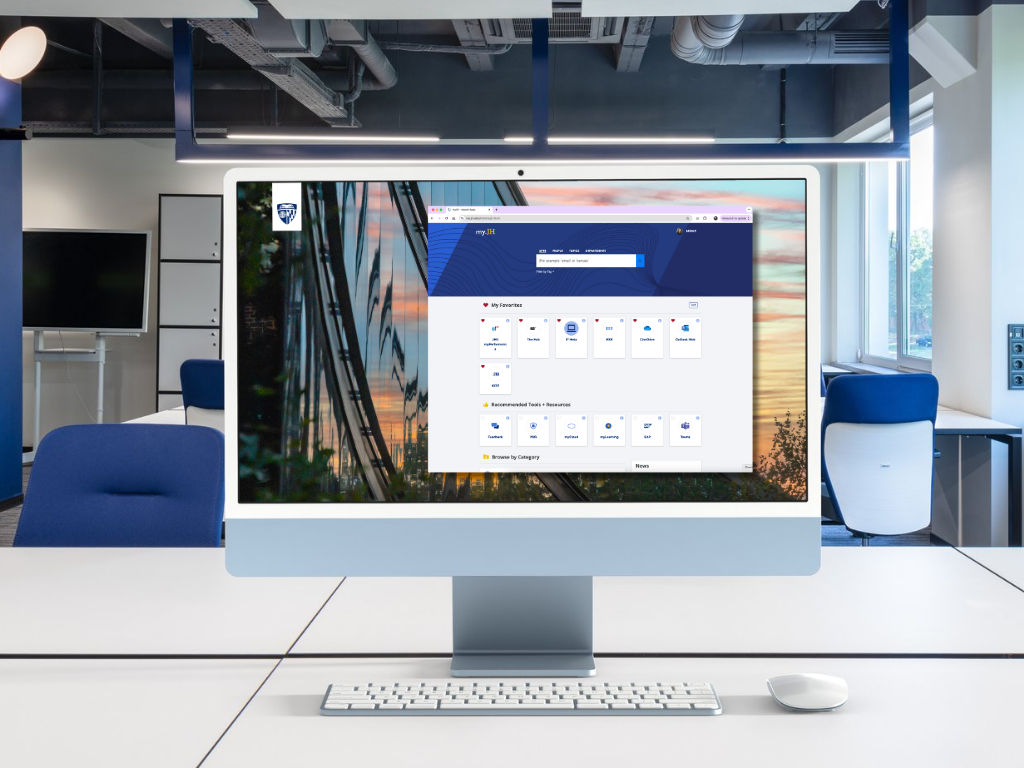
A unified digital workspace is more than just a collection of apps and tools. It’s a centralized hub where employees, teams, or even individuals can access everything they need—from communication and project management to document storage and analytics—without jumping between disparate platforms. Think of it as a digital command center where productivity thrives.
The key benefits are clear:
- Streamlined Workflows: Eliminate the friction of switching between tools by integrating everything into one platform.
- Enhanced Collaboration: Foster real-time teamwork with shared documents, instant messaging, and project tracking.
- Improved Security: Centralized data management reduces vulnerabilities and ensures compliance with regulations.
- Scalability: A well-designed workspace grows with your business, adapting to new tools and workflows seamlessly.
For businesses, this means fewer distractions, higher engagement, and a clearer path to achieving strategic goals.
Types of Content to Include in Your Digital Workspace
A truly unified workspace isn’t just about functionality—it’s about the content it delivers. The right mix of content keeps users engaged, informed, and productive. Here’s what you should prioritize:
1. Centralized Documentation and Knowledge Bases
Imagine a single source of truth where employees can quickly find policies, onboarding guides, or project briefs. A well-organized knowledge base reduces repetitive questions, speeds up decision-making, and ensures consistency across teams. Tools like Notion, Confluence, or even SharePoint can serve as the backbone of this system.
2. Real-Time Communication Channels
Slack, Microsoft Teams, or Discord aren’t just chat tools—they’re the lifeblood of modern collaboration. Integrating these into your workspace ensures that conversations, updates, and decisions happen in context, whether it’s a quick question or a full-team brainstorm. Threaded discussions, video calls, and file-sharing capabilities make these platforms indispensable.
3. Project and Task Management Hubs
Tools like Asana, Trello, or Monday.com turn chaotic to-do lists into structured, trackable workflows. A unified workspace should embed these tools directly, allowing teams to assign tasks, set deadlines, and monitor progress without leaving the environment. Visual boards, Gantt charts, and automated reminders keep everyone aligned.
4. Collaborative Document Editing
Google Workspace and Microsoft 365 have revolutionized how teams create and edit documents. With real-time co-authoring, version history, and seamless integrations, these tools ensure that multiple people can work on a single file simultaneously—whether it’s a spreadsheet, a presentation, or a contract. Embedding these directly into your workspace eliminates the need for endless email attachments.
5. Data and Analytics Dashboards
What gets measured gets improved. A unified workspace should include dashboards that pull data from across your tools—sales metrics, customer support tickets, or marketing performance—into one view. Platforms like Tableau, Power BI, or even custom-built solutions can provide actionable insights at a glance, helping teams make data-driven decisions.
6. Training and Development Resources
Onboarding new hires or upskilling existing employees requires more than just a manual. Embed training videos, interactive courses, or certification tracks directly into your workspace. Tools like TalentLMS or even YouTube playlists can be integrated to ensure continuous learning without disrupting workflows.
7. Social and Engagement Features
A workspace isn’t just about work—it’s about culture. Features like company-wide announcements, employee recognition channels, or even virtual watercooler spaces (think Donut or Watercooler) foster a sense of community. These elements keep morale high and encourage organic collaboration.
Designing for User Experience: The Human-Centric Approach
Even the most feature-rich workspace will fail if it’s not intuitive. User experience (UX) should be at the heart of your design. Here’s how to ensure your workspace is as user-friendly as it is powerful:
Prioritize Simplicity Over Complexity
Start with the core needs of your users. What are the top three tasks they perform daily? Optimize the workspace for those first. Avoid overwhelming users with too many features upfront—let them discover advanced tools as they become more comfortable.
Customize for Different Roles
Not everyone needs the same view. A sales team might prioritize CRM integrations and lead tracking, while a creative team might focus on design tools and asset libraries. Use role-based dashboards to tailor the experience, ensuring each user sees only what’s relevant to them.
Ensure Mobile Accessibility
In a world where remote work is the norm, your workspace must be accessible on any device. Responsive design, mobile-friendly apps, and offline capabilities ensure that productivity doesn’t grind to a halt when users are on the go.
Gather Feedback and Iterate
The best workspaces evolve. Regularly solicit feedback from users—whether through surveys, analytics, or direct conversations—and use that data to refine the experience. What’s clunky? What’s missing? What’s unnecessary? Continuous improvement is key.
Overcoming Common Challenges
Building a unified digital workspace isn’t without its hurdles. Here’s how to navigate the most common obstacles:
Tool Overload: The Paradox of Choice
It’s tempting to pack your workspace with every tool imaginable, but too many options can lead to decision fatigue. Instead, focus on integration. Choose a primary platform (like Microsoft 365 or Google Workspace) and build around it, adding only the tools that truly enhance productivity.
Resistance to Change
People are creatures of habit. Introducing a new workspace requires buy-in from the entire team. Start with a pilot group, demonstrate the benefits, and provide ample training. Highlight quick wins—like reduced email clutter or faster project completion—to build momentum.
Security and Compliance Risks
Centralizing data makes it a target. Prioritize security by implementing role-based access controls, multi-factor authentication, and regular audits. Ensure your workspace complies with industry regulations (like GDPR or HIPAA) to avoid costly penalties.
Scalability Concerns
A workspace that works for 50 people might buckle under 500. Design with growth in mind by choosing scalable tools, modular architectures, and flexible integrations. Cloud-based solutions are often the best fit for businesses planning to expand.
Real-World Examples: Workspaces That Work
Let’s look at how different organizations have successfully implemented unified digital workspaces:
1. The Enterprise Solution: Microsoft 365 + Power Platform
Microsoft’s ecosystem is a masterclass in integration. Teams can collaborate in Microsoft Teams, manage projects in Planner, store files in OneDrive, and build custom apps with Power Apps—all within a single login. The result? A seamless experience that scales from small teams to global enterprises.
2. The Startup Favorite: Notion + Slack + Google Workspace
Startups love Notion for its flexibility. Teams use it to create wikis, databases, and project trackers, while Slack handles communication and Google Workspace manages documents. The magic lies in the integrations—Notion can pull data from Slack channels, and Google Drive files can be embedded directly into Notion pages.

3. The Creative Agency: Adobe Creative Cloud + Trello + Zoom
For design-focused teams, Adobe Creative Cloud is non-negotiable. Pairing it with Trello for project management and Zoom for client meetings creates a workspace that balances creativity with structure. File versions are automatically synced, feedback is centralized, and deadlines are crystal clear.
Future-Proofing Your Workspace
The digital workspace landscape is evolving rapidly. Here’s what to watch for in the coming years:
AI-Powered Assistants
Imagine an AI that schedules meetings, drafts emails, or even summarizes long documents based on your workspace activity. Tools like Microsoft Copilot and Google’s AI integrations are just the beginning. The future lies in AI that anticipates needs before they’re articulated.
Immersive Collaboration
Virtual and augmented reality are poised to transform remote work. Platforms like Microsoft Mesh and Meta’s Horizon Workrooms are experimenting with 3D workspaces where teams can meet, brainstorm, and collaborate in a shared virtual environment.
Hyper-Personalization
As AI advances, workspaces will become increasingly personalized. Imagine a dashboard that rearranges itself based on your most frequent tasks, or a chatbot that adapts its responses to your communication style. The goal? A workspace that feels tailor-made for each user.
Final Thoughts: Your Unified Workspace Awaits
A unified digital workspace isn’t a one-size-fits-all solution—it’s a dynamic ecosystem that should evolve with your organization. Start small, focus on user needs, and prioritize integration over fragmentation. The result will be a workspace that doesn’t just house your tools but elevates your entire workflow.
Whether you’re a solo entrepreneur or a Fortune 500 company, the principles remain the same: centralize, simplify, and empower. The future of work is unified. The question is, are you ready to build it?
Leave a comment