


Is Your Browser a Productivity Powerhouse or a Digital Pac-Man?
Let’s pose an uncomfortable question: if your web browser were a person, would you fire it? For most of us, the browser is the central hub of our digital existence—a place where work, research, leisure, and communication converge in a chaotic ballet of tabs. Yet, by default, it behaves less like a polished command center and more like a hungry Pac-Man, gobbling up your focus, memory, and time. Every new tab is an invitation to distraction; every notification, a tiny siren’s call. The challenge, then, is not merely to browse better, but to reclaim the browser as a tool of deliberate action rather than reactive consumption. This is where the art of the extension enters the stage, transforming your digital portal from a liability into your most formidable productivity ally.
The Great Unification: Taming the Tab Chaos
Let’s confront the first, most obvious villain in our productivity narrative: the tab bar. A cluttered tab bar is the digital equivalent of a desk buried under unsorted paper. You lose critical documents, your computer slows to a crawl, and context-switching becomes a cognitive tax you pay every few minutes. The solution isn’t willpower; it’s architecture. Extensions like OneTab or Tabby function as digital air traffic controllers. Instead of twenty open tabs screaming for attention, you click one icon, and they vanish into a single, master list. This isn’t merely about housekeeping; it’s about creating mental space. When you can only see five tabs, you’re forced to prioritize. The challenge here is the fear of losing a page forever. The better extensions solve this by offering cloud sync and even searchable history, ensuring that the “out of sight, out of mind” anxiety is replaced by a quiet confidence that everything is merely archived, not lost.
The Attention Audit: Distraction as a Service
The internet is an attention economy, and you are the product. Every social media notification, every news alert, every cleverly designed red badge is a tiny exploitation vector. The second challenge is recognizing that your environment is actively weaponized against your focus. The counter-weapon is a class of extensions built on the principle of friction. Forest, for instance, gamifies the act of staying focused by letting you plant a digital tree that grows only if you don’t visit your blacklisted sites. Kill the focus, kill the tree. It’s playful, yes, but it introduces a powerful psychological barrier. Meanwhile, LeechBlock offers a more merciless approach: complete site blocking at specific times. The key here is to stop negotiating with your distractions. You wouldn’t leave a bag of candy on your desk if you were trying to diet; you shouldn’t leave Twitter a click away if you’re trying to write. The best distraction blockers don’t ask for your willpower; they replace it with architecture.
The Reading Revolution: From Skimming to Comprehension
We have become skimmers, not readers. The modern web page is a minefield of pop-ups, auto-playing videos, subscription walls, and sidebars advertising things you didn’t know you needed. Reading an article on a standard website feels like trying to have a conversation in a crowded nightclub. The productivity challenge here is the difference between consuming information and retaining it. Extensions like Reader Mode or Mercury Reader strip the page down to its textual essence: clean fonts, adjustable spacing, and distraction-free backgrounds. They return the act of reading to its serene, focused state. More sophisticated tools like Pocket or Instapaper take this a step further by allowing you to “save for later” with a single click, turning a potential time-sink into a curated reading queue you can tackle offline, on your phone, or during a designated reading block. The playful question becomes: are you actually reading, or are you just scrolling? These extensions force the answer.
The Workflow Accelerator: Shortcuts, Snippets, and Scripts
Perhaps the most pernicious productivity killer is the “swiss cheese” effect of a thousand tiny, repeated tasks. Logging into a service, filling in a form, copying a standard email response, looking up a currency conversion—each action is small, but collectively, they shred an hour from your day. The challenge is to see these micro-tasks not as unavoidable, but as programmable. Vimium is the extreme solution for keyboard warriors, allowing you to navigate the entire browser without a mouse—a skill that, once learned, feels like superspeed. For the rest of us, TextExpander or Dashlane offer more immediate relief. TextExpander lets you create snippets; typing “;sig” instantly expands into your full email signature. Dashlane handles password autofill and secure note generation. The underlying philosophy is pragmatic: if you have to do something more than three times a week, automate it. Your brain’s CPU cycles are too valuable to waste on data entry.
The Grand Synthesis: Choosing Your Arsenal
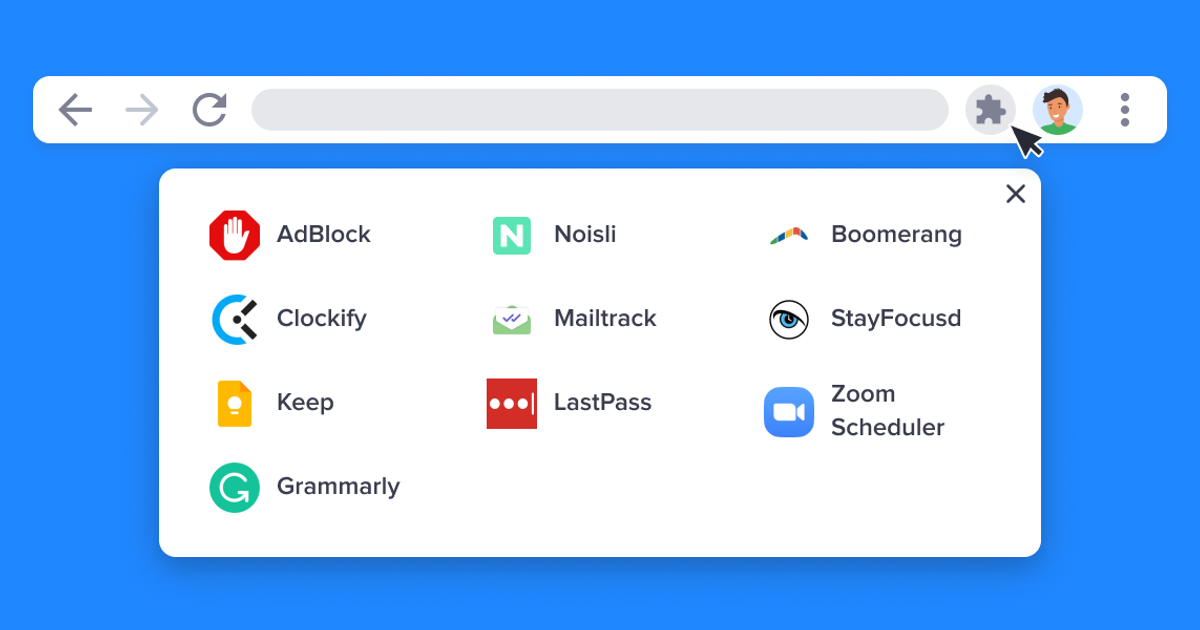
Herein lies the final, overarching challenge: curation. With tens of thousands of extensions available, the danger of “extension bloat” is very real. Installing too many tools creates a new layer of complexity and can actually slow down your browser. The solution is not to collect, but to curate based on a personal productivity audit. Ask yourself: where does my time evaporate? Is it in tab management? Distraction? Reading? Repetitive typing? Solve for that one bottleneck first. A good rule of thumb is to have no more than five core productivity extensions active at any time. Your browser should feel lighter, faster, and more capable—not like a stubborn multi-tool you can’t figure out how to close. When wielded with intention, a curated set of extensions transforms the browser from a chaotic carnival into a silent, efficient partner in your day’s work. You stop fighting the machine and start riding it.
Leave a comment